
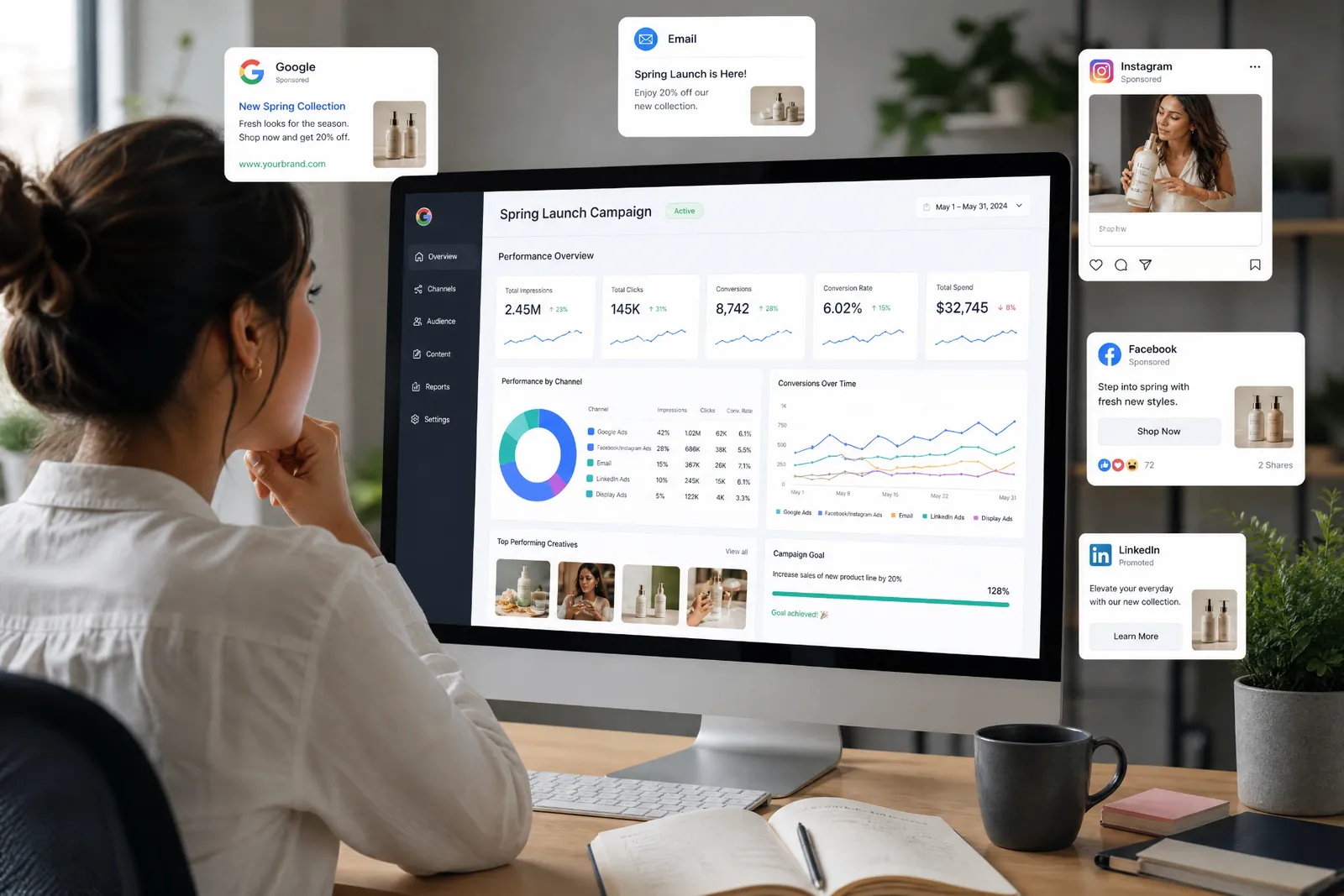
Building Dashboards Your Executives Actually Open
A dashboard is only useful if people use it. That sounds obvious, but many dashboards are built with too much data, too little context, and no clear point of view. The result? A report that technically has everything, but helps no one make a decision.
Executive dashboards need to be different. They should be simple, focused, and designed around the questions leadership actually needs answered.
Start With the Decision
Before choosing metrics, ask what decisions the dashboard is supposed to support. Is leadership trying to understand campaign performance? Budget efficiency? Sales activity? Audience growth? Customer engagement? Program status? Channel ROI? Operational bottlenecks?
The dashboard should answer the most important questions first. If the dashboard does not support a decision, it may just be a data dump.
Choose Fewer, Better Metrics
More metrics do not always make a dashboard better. In fact, too many numbers can make it harder to see what matters.
A good executive dashboard should focus on the metrics that best explain progress, performance, and action. That might include:
- Revenue influenced
- Leads generated
- Cost per lead
- Conversion rate
- Campaign response
- Audience growth
- Channel performance
- Program status
- Budget used
- Forecasted activity
- Key risks
- Recommended next steps
Add Context
Numbers need context. A dashboard should help people understand whether performance is good, bad, improving, declining, or on track. That may include comparisons to goals, previous periods, benchmarks, budget, forecasts, campaign averages, audience segments, and channel performance.
Without context, a number is just a number.
Make It Easy to Scan
Executives should not need to hunt for the point. Use a clear layout that makes the most important information easy to find. Start with the top-level summary. Then show supporting details. Keep labels simple. Group related metrics together. Avoid unnecessary clutter.
Include the “So What”
The best dashboards do more than report what happened. They help explain what it means. Add short notes, insights, or recommendations that answer:
- What changed?
- Why does it matter?
- What should we do next?
- What needs attention?
- What is performing well?
- What should be tested or adjusted?
This is where reporting becomes strategy.
Set the Right Cadence
Not every dashboard needs to be reviewed daily. The cadence should match the decision. Some dashboards are weekly. Some are monthly. Some are campaign-based. Some are quarterly. Some are live operational views.
The right cadence helps prevent dashboard fatigue and makes the information feel more useful.
Final Takeaway
An executive dashboard should not try to show everything. It should show what matters.
Start with the decision. Choose fewer, better metrics. Add context. Make the layout easy to scan. Include the “so what.” That is how you build a dashboard people actually open.